
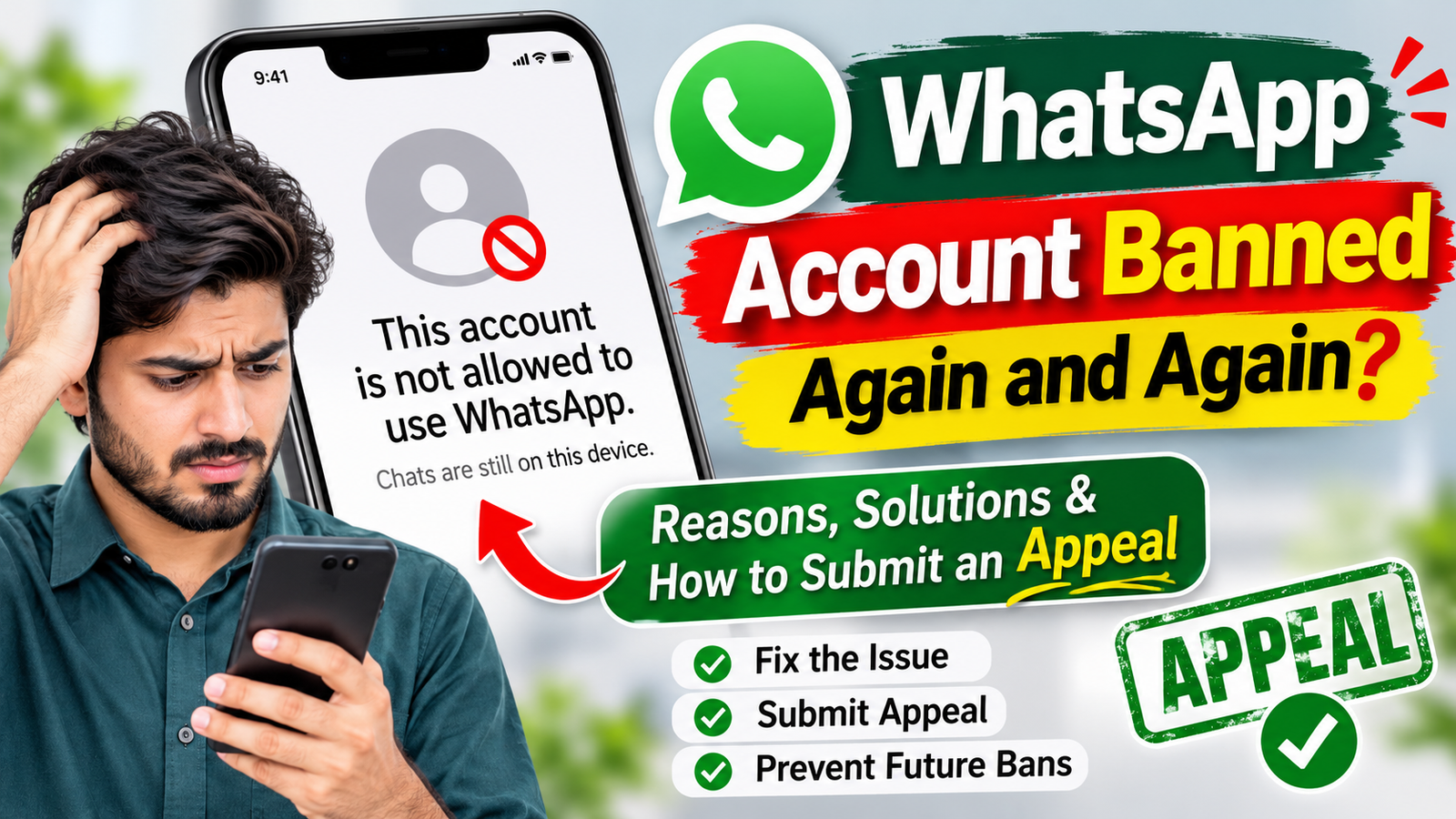
WhatsApp is one of the most popular messaging applications worldwide. Millions of people use it daily for personal communication, business conversations, customer support, and professional purposes. However, many users are facing a frustrating problem: their WhatsApp accounts are getting banned repeatedly.
If your WhatsApp account has been banned once and becomes banned again after restoring access, you are not alone. Repeated WhatsApp account bans can create serious problems, especially for people who depend on WhatsApp for their daily communication and business activities.
In this guide, we will explain why WhatsApp accounts get banned repeatedly, what may trigger these restrictions, how to avoid future bans, and how to submit an effective WhatsApp account unban appeal.
What Does It Mean When WhatsApp Keeps Banning Your Account?
When WhatsApp bans an account, it means the platform has restricted access because its systems have detected activity that may violate its Terms of Service.
Sometimes, users receive a temporary restriction, while other times they see a message stating:
“This account is not allowed to use WhatsApp.”
The problem becomes more frustrating when an account is restored after a successful review but gets banned again after a few hours or days.
Repeated bans may happen because of suspicious account activity, policy violations, unauthorized applications, or automated security systems detecting unusual behavior.
However, not every ban means that a user has intentionally violated WhatsApp policies. Sometimes, accounts can also be restricted by mistake.
Why Does WhatsApp Keep Banning Accounts Again and Again?
There can be several reasons behind repeated WhatsApp account bans. Understanding these reasons is important before submitting an appeal.
1. Using Unauthorized WhatsApp Applications
One of the common reasons for WhatsApp restrictions is using unofficial versions of the application.
Some examples include modified WhatsApp applications that are not officially supported. These applications may offer additional features, but they can create security and account safety issues.
Always use the official WhatsApp application downloaded from trusted app stores.
2. Sending Too Many Messages
Sending a large number of messages within a short period may trigger WhatsApp’s spam detection systems, particularly when recipients do not expect or want those messages.
This can happen with promotional messages, repeated messages, or communication with people who have not saved your number.
3. Receiving Multiple Reports From Users
If several people report an account for unwanted messages or suspicious communication, WhatsApp may review the account.
Repeated reports can create difficulties for accounts, especially those used for business communication.
4. Suspicious Account Activity
Unusual activity may sometimes trigger automated security checks.
For example, unexpected changes in account activity, unsupported third-party integrations, or unusual messaging patterns may result in restrictions.
5. Violating WhatsApp Terms of Service
WhatsApp has policies designed to protect users from spam, scams, harmful content, and abusive behavior.
Accounts involved in activities that violate these policies may face temporary or permanent restrictions.
How to Fix WhatsApp Account Banned Again and Again
If your WhatsApp account has been banned, there are several official steps you can take.
Step 1: Use the Official WhatsApp Application
Make sure you are using the official WhatsApp or WhatsApp Business application.
Remove unsupported modified versions and install the official application from Google Play Store or Apple App Store.
Step 2: Request an Account Review
If you believe your account was banned incorrectly, open WhatsApp and look for the Request a Review option on the restriction screen.
Follow the instructions and provide a clear explanation of your situation.
Step 3: Explain Your Situation Honestly
When submitting an appeal, explain that your account has been banned repeatedly and that you believe the restriction may have been applied incorrectly.
Avoid aggressive language or unsupported claims. Keep your explanation polite and professional.
Step 4: Wait for WhatsApp’s Response
After submitting your request, wait for WhatsApp to review your account.
Submitting multiple appeals repeatedly may not speed up the review process.
Step 5: Follow WhatsApp Policies
After your account is restored, continue using the official application and follow WhatsApp’s Terms of Service and messaging policies.
Avoid unwanted bulk messaging and unsupported third-party applications.
Why Does WhatsApp Ban an Account Even After Restoring It?
This is one of the most common questions among affected users.
Some users report that their WhatsApp accounts are restored after submitting an appeal, but the same account gets banned again.
There can be different explanations for this situation:
- The activity that triggered the original restriction may still be happening.
- The account may continue showing unusual messaging patterns.
- Unsupported applications or integrations may still be in use.
- New reports or policy concerns may result in another review.
- Automated security systems may detect activity that requires further investigation.
If you believe your account is being restricted incorrectly, explain the complete situation to WhatsApp Support and request a manual review where available.
How to Prevent WhatsApp Account Bans in the Future
Preventing another ban is important, especially if you use WhatsApp for business or customer communication.
Here are some important recommendations:
- Always use the official WhatsApp application.
- Avoid sending unsolicited promotional messages.
- Communicate respectfully with other users.
- Do not use unsupported automation tools.
- Follow WhatsApp’s Terms of Service.
- Avoid suspicious third-party applications.
- Respect users who do not want to receive messages.
- Keep your WhatsApp application updated.
Following these recommendations can help reduce the risk of account restrictions, although no method can guarantee that an account will never be banned.
WhatsApp Account Unban Appeal – Separate Appeal Template
If your WhatsApp account has been banned repeatedly and you believe the restriction is a mistake, you can use the following appeal message to contact WhatsApp Support.
The appeal below is written in a polite and professional tone. You can customize it according to your actual situation.
WhatsApp Unban Appeal
Subject: Request for Review of Repeated WhatsApp Account Bans
Dear WhatsApp Support Team,
I am writing to request a review of my WhatsApp account, as it has been banned repeatedly. My account was previously restored after submitting an appeal, but unfortunately, it has been restricted again.
I use WhatsApp for regular personal and business communication, and these repeated restrictions are causing significant inconvenience.
I respect WhatsApp’s Terms of Service and community guidelines. I believe there may be a misunderstanding or an incorrect restriction affecting my account.
I kindly request your team to review my account activity and investigate why these repeated bans are happening. If any issue is identified, I would appreciate guidance on how to resolve it and ensure that my account remains compliant with WhatsApp policies.
Please review my account and restore access if the restriction was applied by mistake.
Thank you for your time and assistance. I look forward to your response.
WhatsApp Phone Number: [Enter your number with country code]
Regards,
[Your Name]
Where to Submit a WhatsApp Unban Appeal?
You can request a review directly through the WhatsApp application when the Request a Review option is available.
You can also visit the official WhatsApp Help Center:
For additional support, visit:
https://www.whatsapp.com/contact/
Always use official WhatsApp support channels. Be careful of third-party websites or individuals promising guaranteed account unbanning in exchange for money.
Frequently Asked Questions (FAQs)
1. Why does my WhatsApp account keep getting banned?
Repeated bans can happen because of suspicious activity, spam reports, unsupported applications, or possible violations of WhatsApp policies. Incorrect automated restrictions are also possible.
2. Can I recover my WhatsApp account after being banned?
Yes, account recovery may be possible. If you believe the ban is incorrect, submit a review request through the official WhatsApp application.
3. Why does WhatsApp ban my account again after unbanning it?
This may happen if the original issue remains unresolved or new activity triggers another restriction. Contact WhatsApp Support for further investigation.
4. How long does WhatsApp take to review an appeal?
Review times can vary depending on the situation. WhatsApp does not guarantee a fixed response time for every appeal.
5. Can I submit another appeal if my first request is rejected?
You can contact official support if you have additional relevant information or believe the decision was incorrect. However, repeated identical requests do not guarantee a different result.
6. Is WhatsApp Business also affected by account bans?
Yes. WhatsApp Business accounts can also face restrictions if their activity violates WhatsApp’s policies.
Final Thoughts
Getting banned repeatedly on WhatsApp can be frustrating, particularly when you rely on the platform for important conversations and business communication.
The best approach is to understand the possible reasons, use the official WhatsApp application, follow messaging policies, and submit a clear appeal if you believe your account has been restricted incorrectly.
If your account was restored previously but banned again, explain this history clearly in your next review request.
Remember, no appeal template can guarantee account recovery. The final decision depends on WhatsApp’s review process.
Use the official support channels, provide accurate information, and follow WhatsApp’s policies to help resolve the issue.